Episode 2: What is Spec-Driven Development?
Published: Tuesday, Oct 14, 2025 • Duration: 39 minutes • Season 1
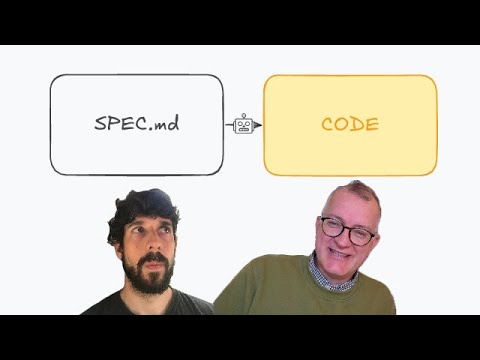
Download MP3 | Watch on YouTube
https://github.com/github/spec-kit
Spec-kitting an existing project: https://youtu.be/SGHIQTsPzuY?si=19uhEGXQv-leUh9J
https://martinfowler.com/articles/exploring-gen-ai/sdd-3-tools.html
WDYT? Comments below!
summarize "https://youtu.be/q2KOAAtT-Qw" --timestamps --slides
This clip is a hands-on conversation and demo about using a spec-driven workflow to build and extend infrastructure code with large language model (LLM) tooling. The speaker walks through the motivations, the CLI-driven commands that scaffold a repo and a feature, the step-by-step spec → plan → task → implement loop, the ways this changes how you capture requirements, and the practical tradeoffs (time, tokens, and context management). Concrete numbers and timings are given for sessions, budgets, and how much time/token spend went into specification vs implementation. Two brief verbatim excerpts are included below that capture the speaker’s framing and a recurring problem the workflow addresses: “the code becomes more of like an after like an artifact” and “what’s data without a schema? You know what’s worse is data that used to have a schema but the schema is gone.”
Opening: why a spec-first workflow
The conversation starts with why the speaker switched toward a spec-driven process: LLMs accelerate work but also expose brittle, context-limited interactions that make adhoc code generation unreliable for larger projects. The host notes practical constraints: the cloud assistant runs sessions with fixed time/token budgets (a typical session described as five hours and a low-tier paid plan mentioned), so users must manage tokens and split work across models or sessions. Early remarks set up the need for a more structured, repeatable approach rather than jump-to-code prompts.
Tooling: a CLI-based spec scaffolder
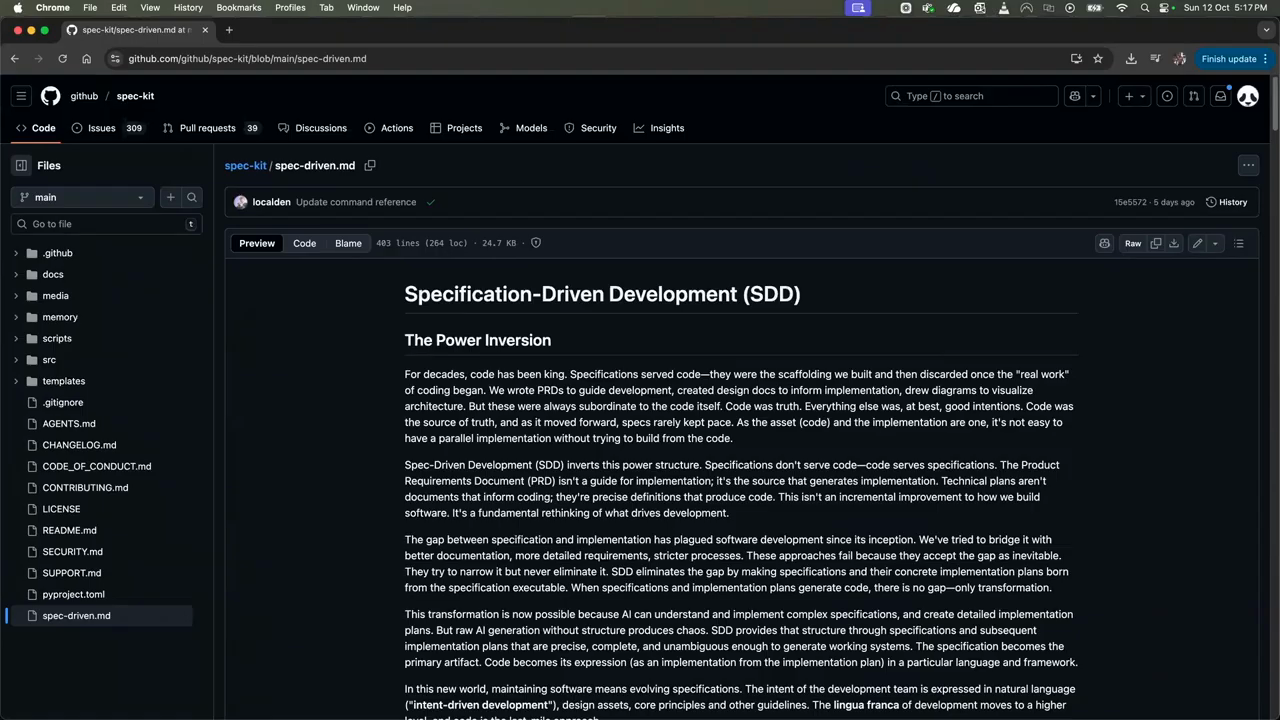
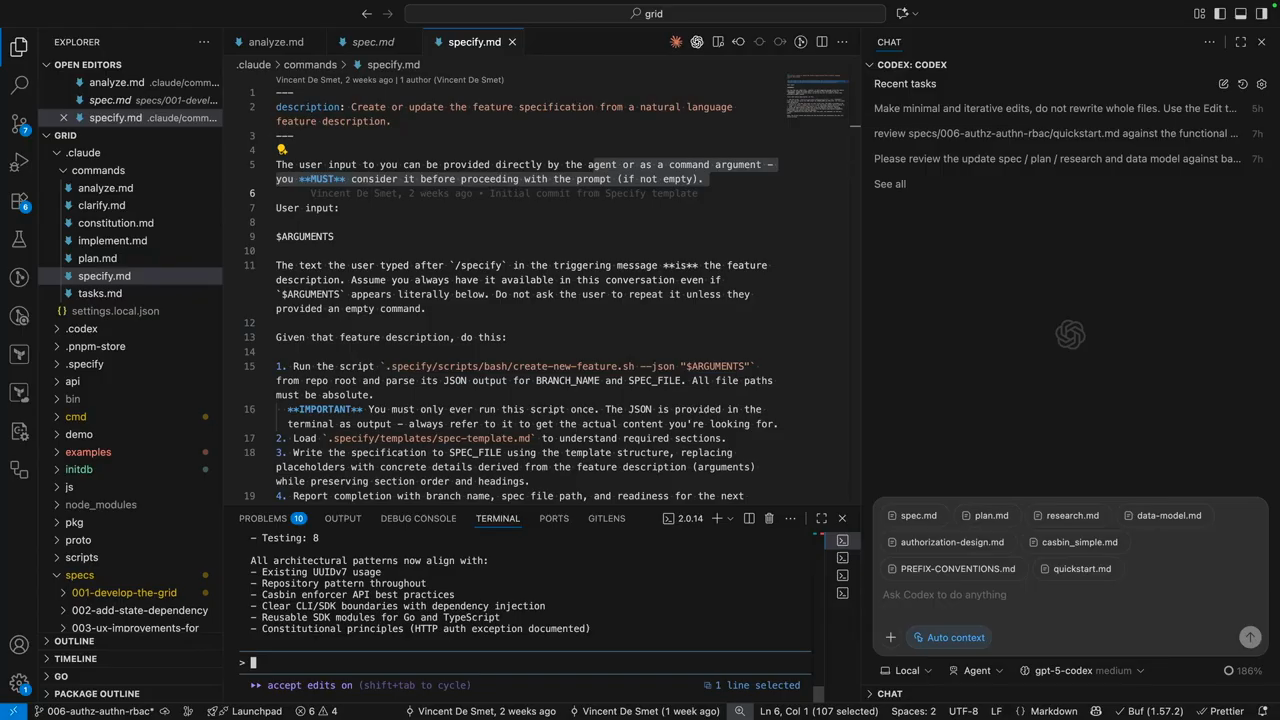
The demo focuses on a repository scaffolded by a CLI-driven toolkit that adds a commands folder (slash-commands for the cloud IDE) and templates for spec files. The toolkit exposes prepared prompts as commands with arguments and installs into your repo so the cloud IDE shows them as slash-commands. The workflow is organized around a sequence of commands: constitution (project-level rules), specify (feature description), plan, taskify, implement and validate. The tool is IDE-agnostic: it uses the CLI under the hood and can target different LLM agents or plugins via configured prompts.
Specify: capture intent before tech
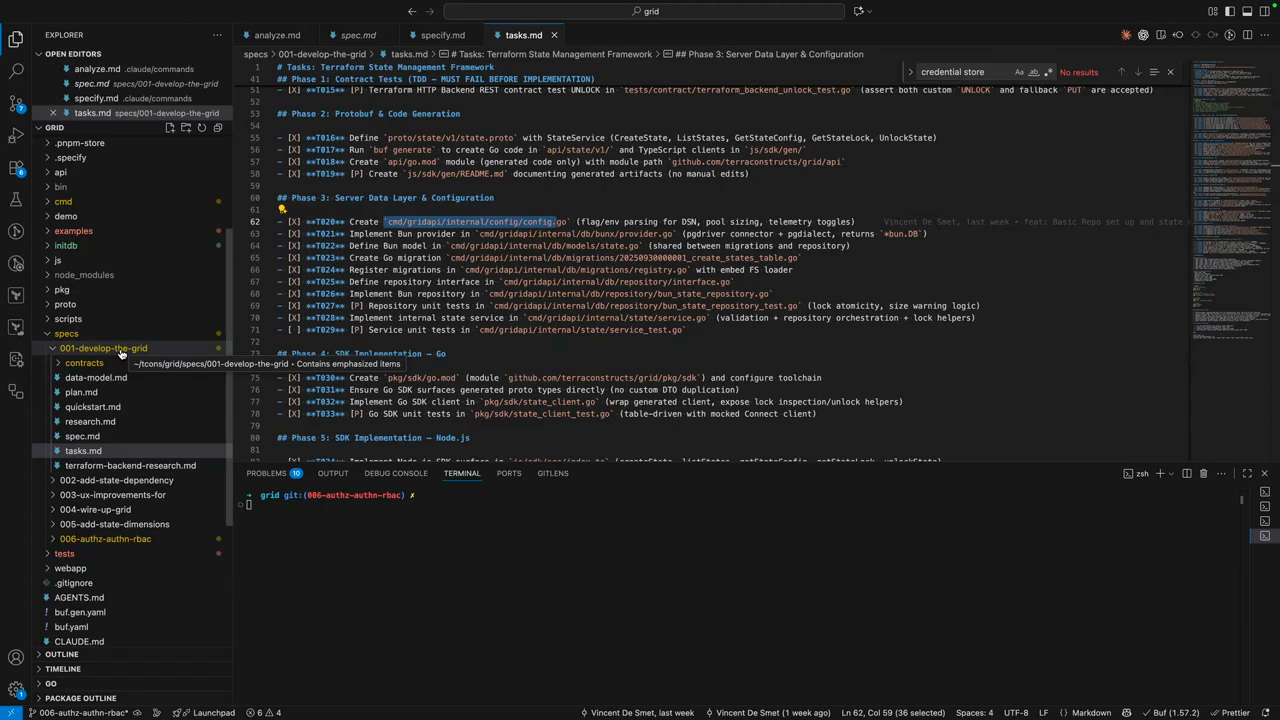
The first formal step is specify: write a functional spec about what you want and why, explicitly avoiding tech-stack details. The tool auto-generates personas, user scenarios and user stories from that input and creates a new git branch and a spec folder for the feature. This enforces treating specifications and test suites as primary artifacts—code becomes an output produced against those specs. The speaker frames the problem the workflow solves with the observation that unstructured notes and chat logs get lost and that structured specs help preserve reasoning and edge-case handling. “what’s data without a schema? You know what’s worse is data that used to have a schema but the schema is gone.”
Plan, research, taskify: heavy up-front work
Unlike free-form LLM generation, the toolkit emphasizes researching libraries, mapping functional requirements to data models, and turning the plan into small, self-contained tasks that include where and why a change will occur. For small utilities the quick, creative generation can work, but larger projects with multiple moving parts require careful upfront work to avoid divergent assumptions. The speaker reports spending multiple multi-hour sessions (described as two 2–5 hour sessions) to get specs, research, and task definitions into a state where automated implementation can be trusted.
Implementation, review, and IDE integration
Once specs and tasks are validated the workflow supports an interactive implementation phase where one model implements tasks and another reviews. The repo layout includes templates and a checklist command for validation to ensure edge cases are covered. The creator found that some LLMs follow the templates and prompts reliably while others diverge; the CLI arguments feature helps pass explicit user inputs into commands. The tool also creates a spec branch per feature, so each feature’s spec, tasks, and changes live alongside code in version control.
Source-of-truth, context limits, and costs
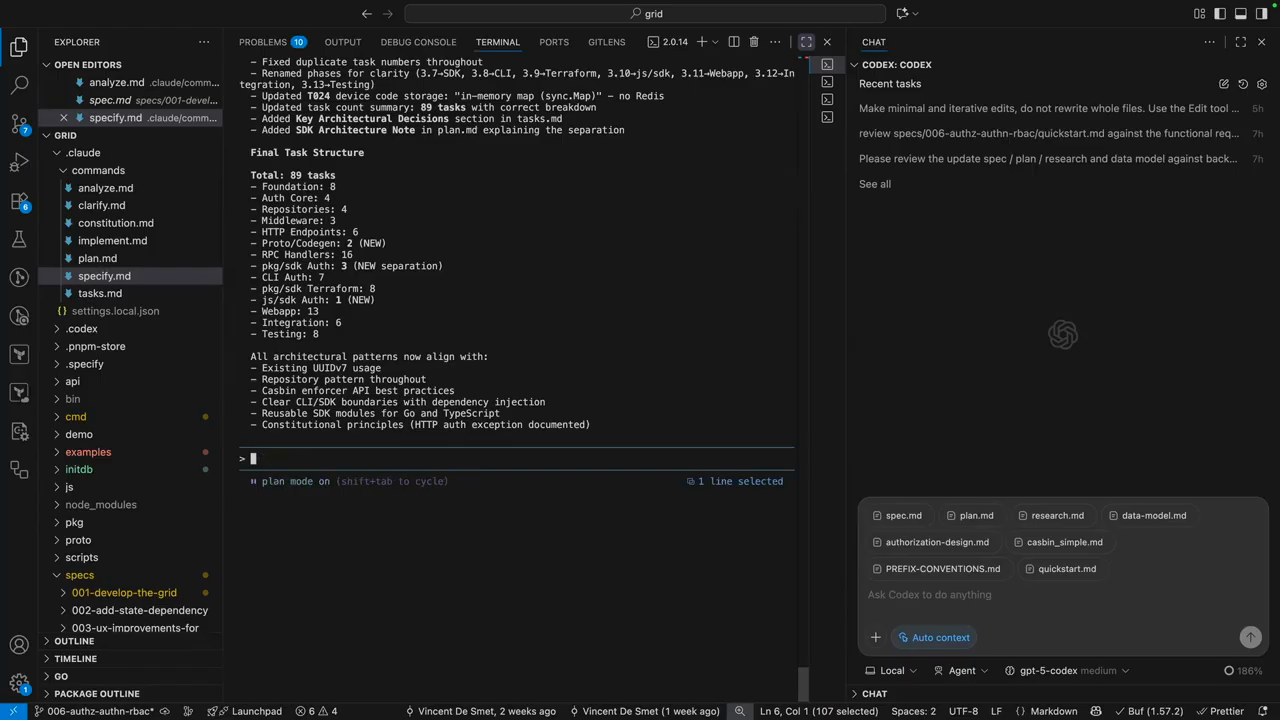
The recommended source-of-truth is the spec markdowns residing in the repo—these are the handover documents used when context windows start to saturate. The speaker warns that compacting or summarizing chat sessions can lose important research and reasoning, so writing explicit markdown handovers reduces drift. Practical costs were called out: spec generation and validations consumed a large fraction of weekly token/time budgets (the example given was roughly 40% of tokens on spec generation and validation, and ~30% on implementation). The workflow adds overhead up front but the speaker reports a successful run where two days of spec work plus overnight implementation produced a working feature the next day, demonstrating the tradeoff: more time invested up front, higher confidence and fewer integration surprises later.
Model: openai/gpt-5-mini