Episode 8: AI Infrastructure addicts
Published: Tuesday, Dec 2, 2025 • Duration: 38 minutes • Season 1
Download MP3 | Watch on YouTube
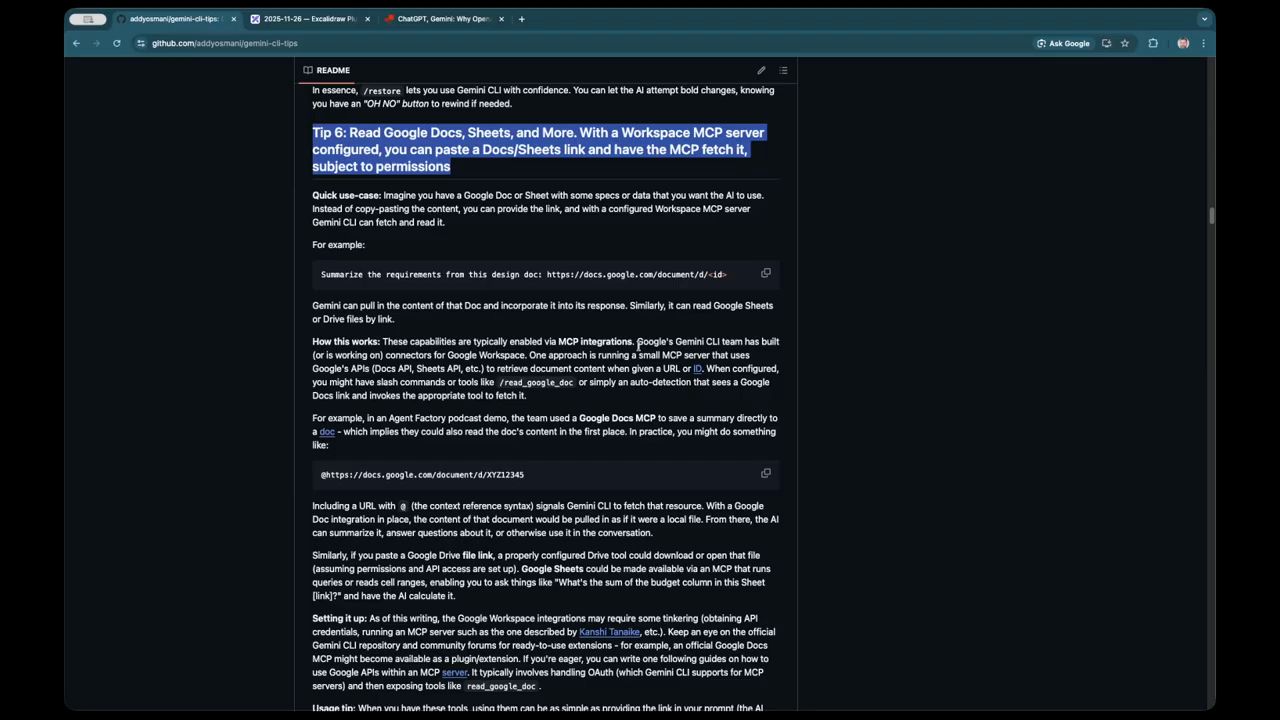
https://github.com/addyosmani/gemini-cli-tips
summarize "https://youtu.be/I4pmTz8EKag" --timestamps --slides
Two developers discuss the evolving landscape of AI-assisted engineering, focusing on the practicalities of managing multiple high-cost subscriptions and the technical shifts in model behavior. They explore the transition from simple code completion to complex agentic workflows, debating whether the current reliance on these tools constitutes an addiction or a necessary evolution in productivity. The conversation provides a deep dive into infrastructure troubleshooting, the nuances of different model architectures like Opus and Sonnet, and the emerging Model Context Protocol (MCP) ecosystem.

The rising cost of AI infrastructure
The financial burden of maintaining a modern AI development stack is becoming a significant consideration for individual engineers. One speaker notes that their monthly spend on the Claude API alone reached $80, a figure that surprised them given they were also paying for other services. When aggregating various subscriptions—including Anthropic, ChatGPT Plus, and Gemini—the total monthly “AI tax” can easily exceed $100. This is compared to traditional cloud infrastructure costs, such as a personal AWS account which might run around $30 a month for learning and hosting small projects. There is a growing concern about whether these costs should be absorbed by the individual worker or the employer, especially as the tools become indispensable for daily tasks. Despite the high price point, the speakers agree that the boost in motivation and the ability to plan complex projects makes the investment feel worthwhile. “I do feel energized and motivated to get things done with the help of AI… it really really helps at least me.”
Troubleshooting complex cloud deployments
AI has moved beyond simple syntax suggestions to helping solve deep infrastructure issues, such as debugging slow package installations in specific AWS regions. One developer recounts a scenario where a Postgres installation on an EC2 instance in Singapore appeared to hang for ten minutes during a Packer build. By using AI to generate debug SSH keys and monitor the process, they identified that the delay was caused by slow transfers from universal Debian packages. The AI suggested using local mirrors but cautioned that not all mirrors support ARM packages. This led to the creation of a custom latency checker and validation script to find the most efficient, compatible mirrors. This process highlights how AI acts as a force multiplier, allowing developers to build specialized tools on the fly to solve transient environment problems that would otherwise take hours to manually investigate.

The decline of manual plan mode
There is a notable shift away from using the built-in “Plan Mode” in certain AI tools due to concerns over accuracy and model behavior. While planning was once a core part of the workflow—creating detailed multi-phase to-do lists before editing files—some developers now find it detrimental. The primary complaint is that models sometimes deviate from the established plan or change logic mid-stream, leading to inconsistencies in the overall design. Furthermore, discussions on developer forums suggest that newer model iterations may be using sub-agents to explore codebases and generate summaries to save on token costs. This orchestration approach can result in less accurate plans compared to a model that reads the entire context directly. As a result, some power users are moving toward more direct, file-specific instructions or using specialized kits that boil down changes to individual files without the overhead of a separate planning phase.
Navigating the extension and subscription maze
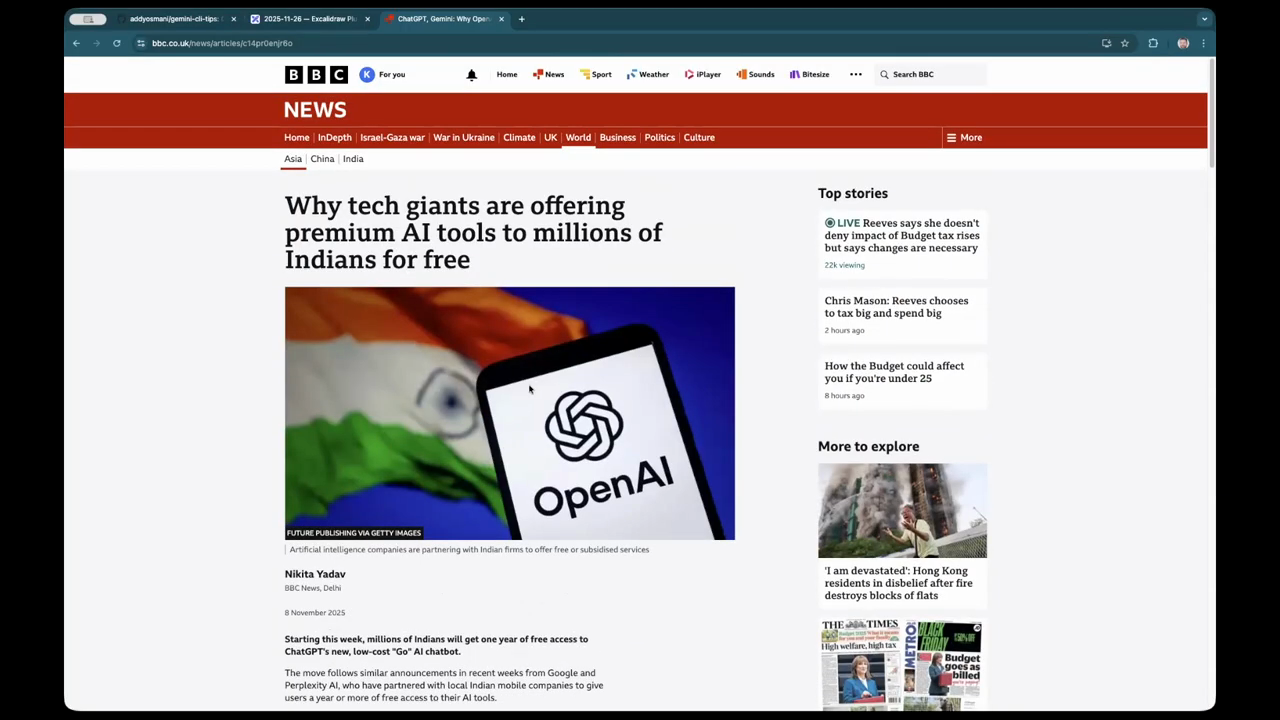
The current AI ecosystem for developers is a complex “maze” of VS Code extensions, CLI tools, and varying subscription tiers. Engineers often find themselves juggling multiple plugins to access specific model features, such as the ability to paste screenshots or refer to local files more effectively. A key technical distinction discussed is the difference in context windows; for instance, some VS Code integrations may only offer a 65k token context, whereas using the same model through a dedicated cloud API or CLI might provide up to 200k tokens. This discrepancy forces developers to choose their interface based on the complexity of the task. Additionally, there is the challenge of managing personal versus corporate accounts, as using a personal subscription on company source code can raise security and compliance issues. Developers must constantly evaluate which tool provides the best reasoning capabilities for a given task while staying within their usage limits.
Agentic workflows and text-based triggers
The evolution of AI tools is moving toward “agentic” behavior, where the model can autonomously spawn sub-processes to complete tasks like exploring a codebase or merging pull requests across hundreds of repositories. One speaker emphasizes a preference for text-triggered agents over traditional UI buttons and menus. In this workflow, a simple prompt can trigger an “explore agent” to find applicable code patterns without the user needing to click through a specialized interface. This shift requires a process of “learning and unlearning,” as developers must adapt to the non-deterministic nature of these tools. Improvements in tools like the “ask user input” feature allow for more seamless interactions, where the model can automatically submit single-select questions to keep the workflow moving. The ability to use agents for bulk tasks, such as managing dependencies across 300 repos, demonstrates the massive scale at which these tools can now operate. “It’s about upskilling myself, building something real, not just like a toy project.”
Optimizing token efficiency with MCP
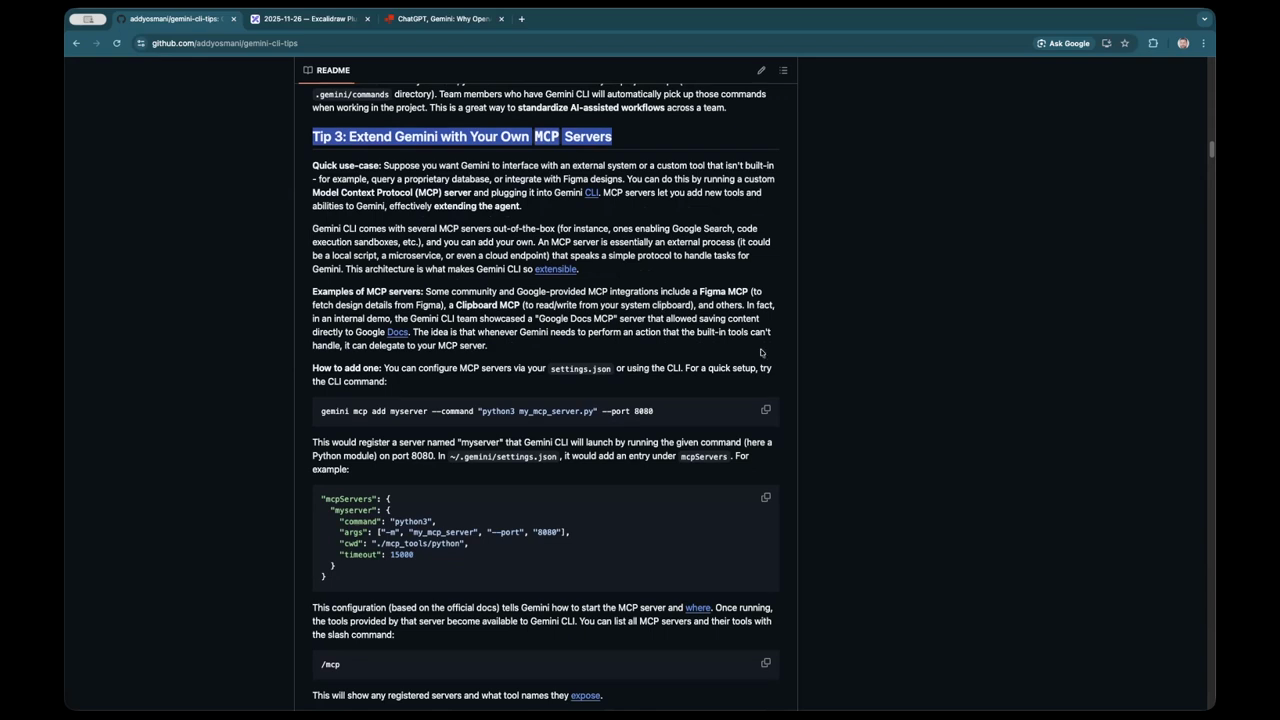
The Model Context Protocol (MCP) is a central topic of discussion, particularly regarding its implementation in tools like Playwright for browser-based testing. There is a critique of current MCP designs that send the entire conversation history back and forth for every individual browser action, which quickly exhausts token limits and leads to “horrible compacting” phases. A more efficient approach involves using models that can chain multiple tool calls into a single execution script. This allows the model to run a full trace, capture screenshots, and analyze the DOM tree (represented in YAML) in one go, rather than step-by-step. By generating a script to execute the entire flow and returning only the final result or error trace, developers can significantly reduce token usage. This method is seen as a major innovation in newer model releases, making them more cost-effective for complex integration testing and live troubleshooting of web applications.
Model: google/gemini-3-flash-preview